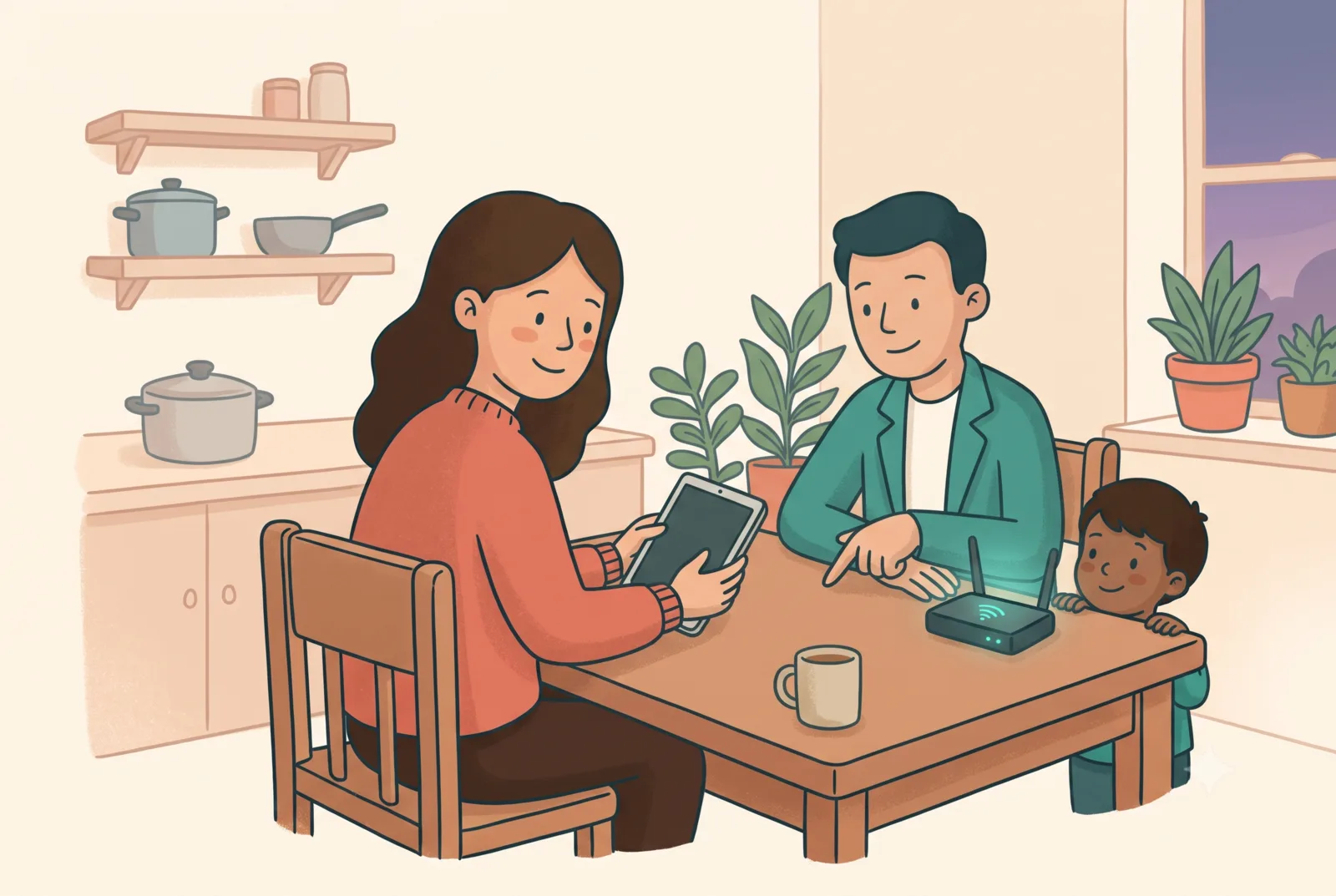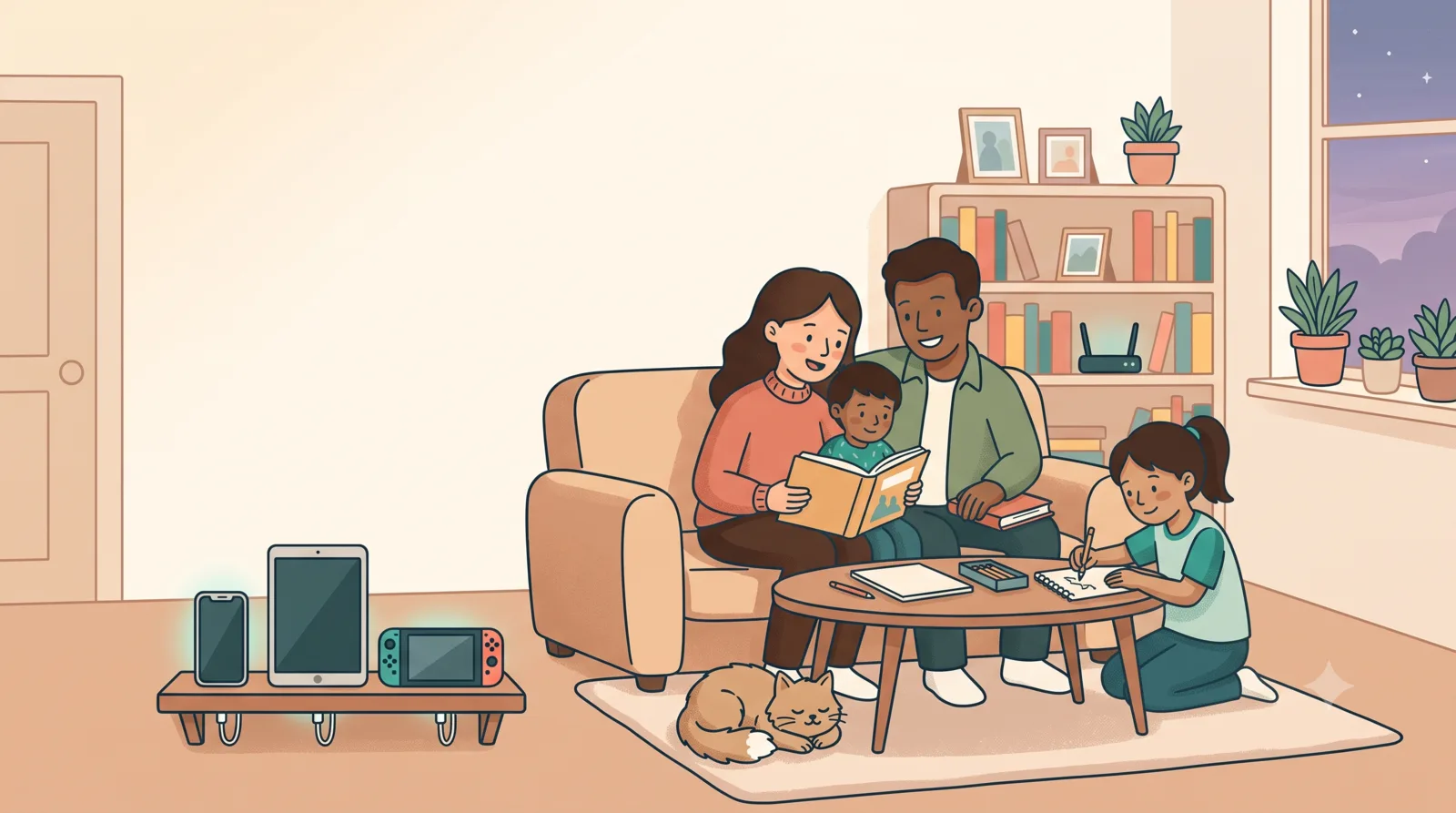
Wherever your family is ยท online or in person
Phones, tablets, consoles and the Wi-Fi itself all have built-in controls, and setting them up takes an evening or two if you know the order to do it in. We can show you that order, or set it up alongside you.
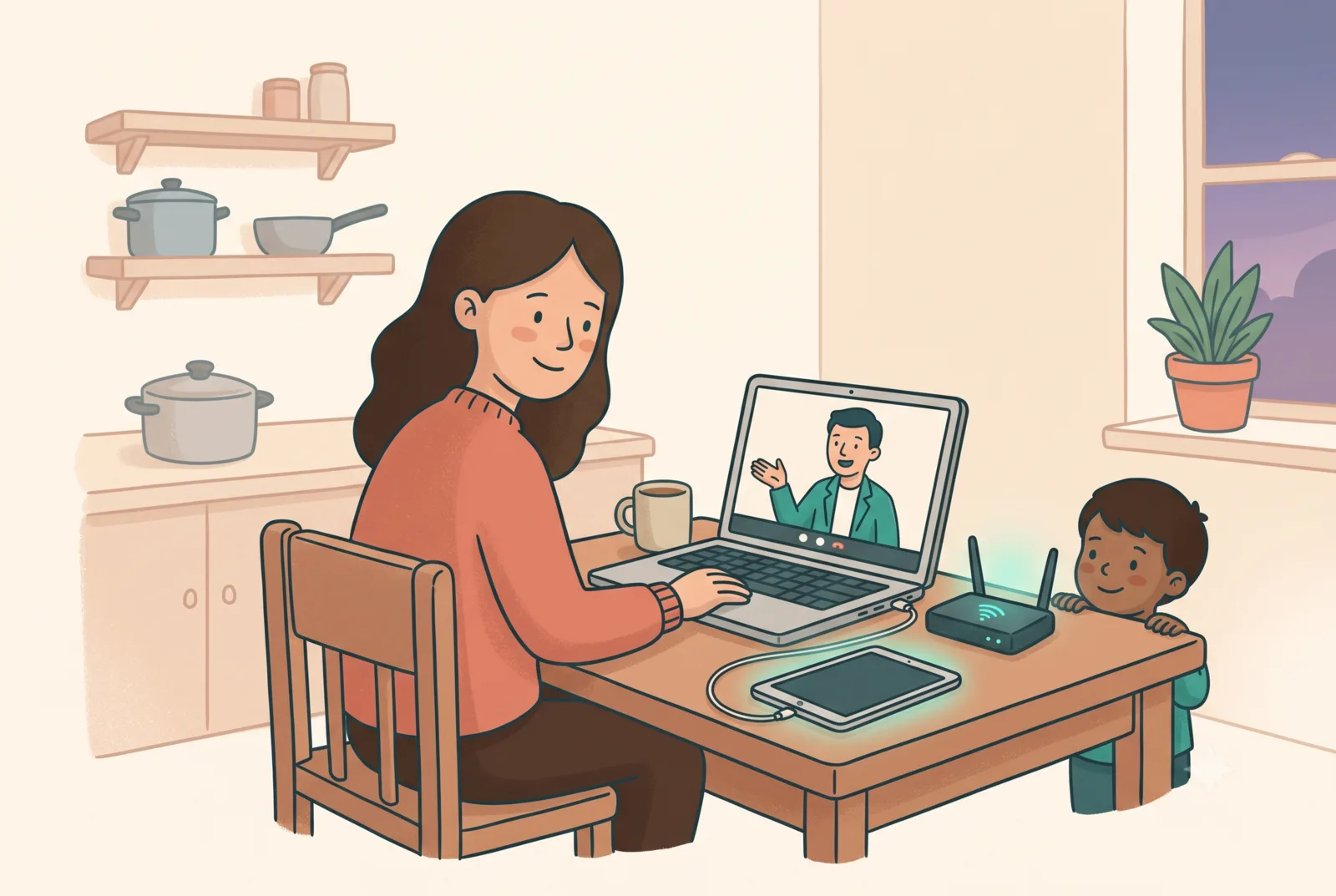
Why one app is not enough
A parental-control app on a phone does not cover the PlayStation, the smart TV, or a tablet a child borrows at a friend's house. Settings also drift: an update resets something, a new device arrives, a child gets older and the old limits stop fitting.
What works better is a few layers that overlap, so no single one has to be perfect. That is what the four pillars below are.
The method
All four use controls that are already free and built into ordinary devices, and they work much the same in every country. The work is in knowing which to use and what order to do them in.
Filtering at the router covers every device on your Wi-Fi at once, including visitors.
Built-in controls on phones, tablets, computers, PlayStation/Xbox/Switch and smartwatches, right down to which apps may use the camera.
Charging stations, bedtime cut-offs, device-free zones: rules no software update can break.
A family media agreement everyone signs, parents included. The layer that makes it stick.
Four ways in
The ten highest-impact steps, in order, about ten minutes each. Free, and complete in itself.
Get the checklist โNinety minutes for a school, library or community group, online or in person.
How workshops work โFor anyone who would rather not do it alone: your home and devices, set up together.
How it works โ
The Family Setup
A guided session across your home network and every device: audit, set up together, one-page handover, follow-up two weeks later. Remote via video call anywhere in the world, with in-home visits available by arrangement.
You type every password, and we do not keep credentials. The job is setup and teaching. We do not monitor anyone on your behalf, during or after.
See the five stepsParent workshops
For schools, libraries, workplaces and community groups: live online for groups anywhere, with time-zone-friendly slots for North America, or in person by arrangement. Parents leave having actually changed one setting, and knowing where the rest live.
How workshops work
ScreenSorted is new, and we are working with a first group of families and workshop hosts in Ireland, the UK and Canada while we settle the format and the pricing. Early places cost less, and in return we ask for honest feedback about what did and did not help.
Ten steps, in order, using tools already built into the devices you own. It is the same method we teach in the workshops and use in the setups, written out in full.
Plenty of people will read it, work through it themselves, and never need to hear from us again. That is a perfectly good outcome, and the checklist is written to make it possible.
Get the checklist