For schools · libraries · workplaces · community groups

The parent talk that ends with something switched on

Ninety calm, practical minutes. No scare statistics, no guilt: parents leave with one protection already working, a plan for the rest, and a free checklist in their hands.

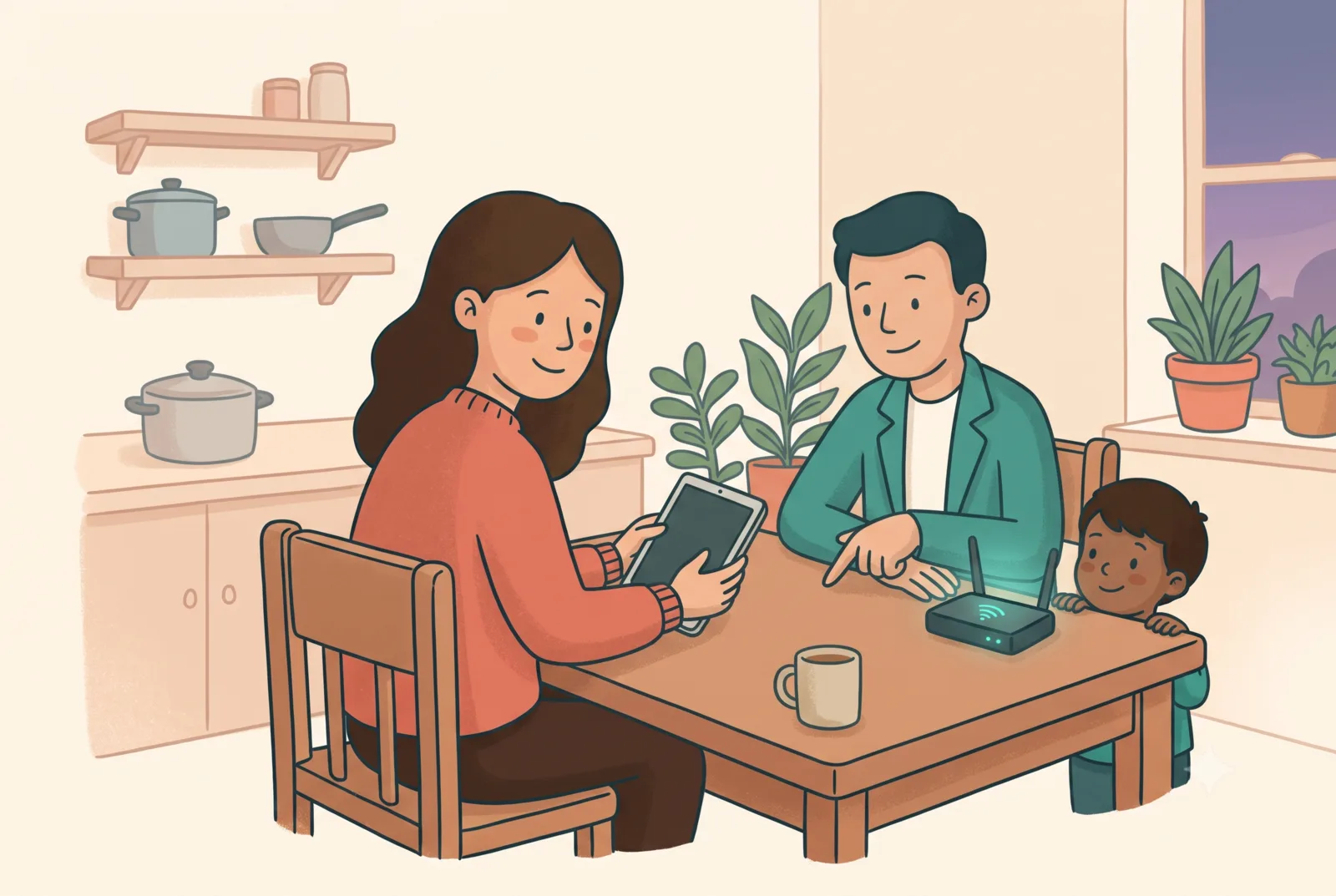
A friendly presenter walking parents through family device settings at a table

What the 90 minutes cover

🧭

The four-layer method

Why single apps fail, and the whole-home approach that doesn't: network, devices, physical space, family habits. Taught through one relatable family's chaotic Tuesday evening.

Live demos, real settings

One visible win per layer, done live, from router filtering to console family controls to switching off one app's camera. Everything demonstrated is free and built-in.

🧱

"Beat the Wall"

Our signature five-minute moment: the room's kids (or a brave volunteer) try to reach a decoy page we've just blocked. However it ends, everyone learns why layers plus conversations beat any single tool.

Two formats

🌍 Live online (groups anywhere)🏡 In-person (by arrangement)
Zoom or your platform. Polls, live demos with screen-share, digital handout emailed within 24 hours. Time-zone-friendly slots for the UK and North America; we handle the maths. Your hall, staff room or library space. Projector demos, printed handouts, feedback in the room. Evening or after drop-off.

Every attendee gets the Starter Checklist free. Fees are a flat per-booking rate confirmed at enquiry, and the first workshop for a new community group can often be a free pilot in exchange for honest feedback.

What parents say they wanted

Not another lecture about screen-time limits: a calm hour with someone who actually shows them which settings to change, in what order, and how to talk to their kids about it without a fight. That's the brief this workshop was built to.

For organisers: the session is turnkey. We bring everything, including offline fallbacks for unreliable venue Wi-Fi. You bring parents and a projector (or a Zoom link). Reply to one email, pick a date, done.

Bring ScreenSorted to your parents

Tell us your group, rough numbers, and online or in-person, and we'll suggest three dates.