About ScreenSorted

Built by a parent who does this professionally

ScreenSorted is run by a parent of three who works in technology for a living: an IT manager at one of the world's largest medical-technology companies, with a master's degree in software solution architecture and a working depth in networking and cybersecurity. Every layer taught here has been running at home, managed daily, since 2020.

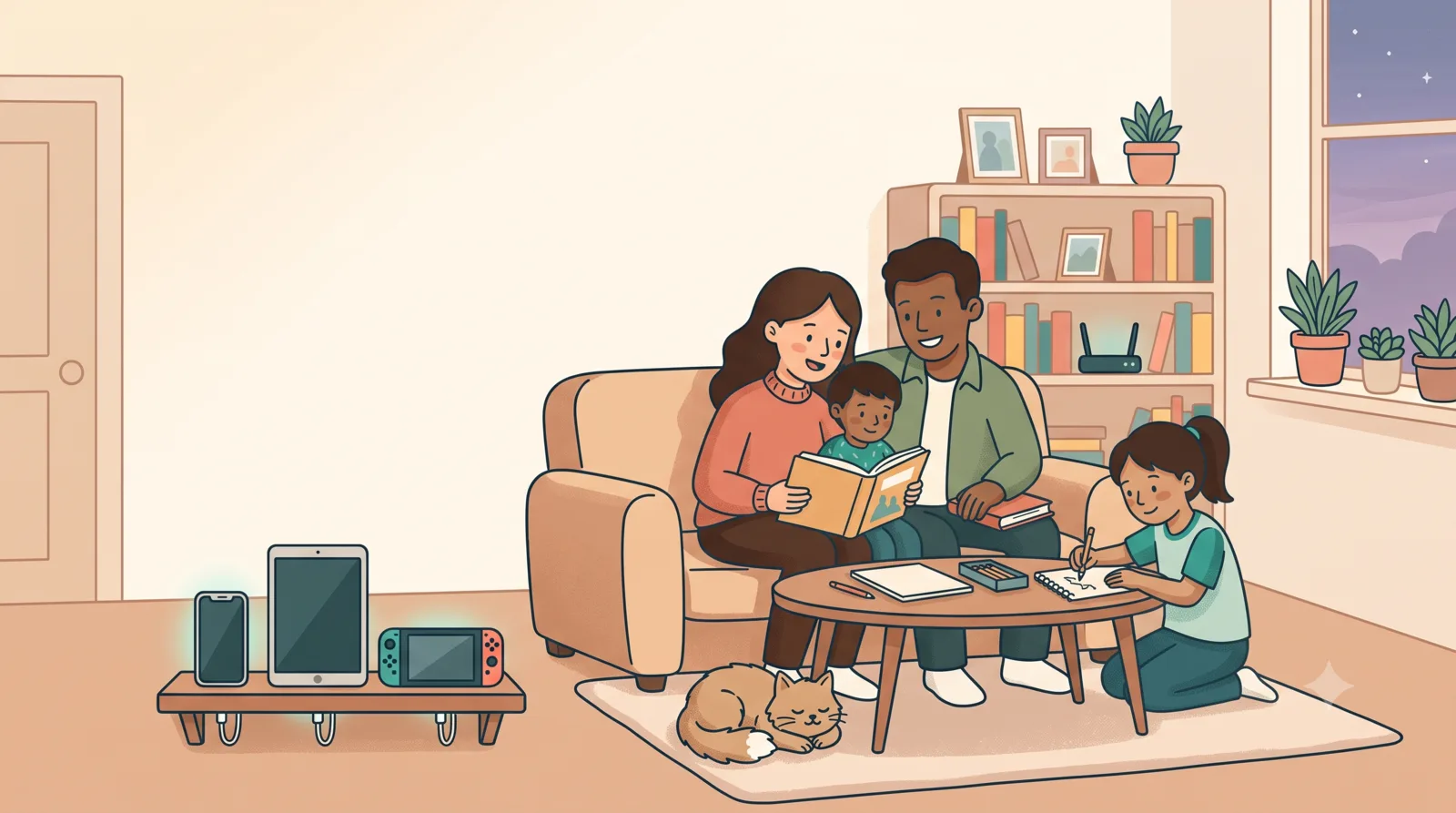
A family playing a board game together in a calm living room, devices resting on their charging shelf

How it started

In 2020, schools moved online overnight, and we faced what every family faced: three young kids (five, seven and eleven at the time) suddenly needed devices and the internet for everything, and no single app covered it. The difference was the day job. A career spent in enterprise IT, across networks, security and systems that have to keep working, meant knowing the tools existed. It still took years of daily, hands-on management to turn them into a method a busy family can actually live with.

Every parent we know has the same quiet to-do item: sort out the kids' screens. The tools already exist, most of them free and built into the devices you own, but they're scattered across a dozen settings menus, they change with every update, and nobody has a weekend to reverse-engineer them. You shouldn't need an IT professional in the house. That's the point of ScreenSorted: one has already done the reverse-engineering for you.

ScreenSorted closes that gap with workshops that show parents the method in ninety minutes, hands-on setups for families who want it done together, and a follow-along book for everyone else. Having spoken with parent and community groups in Ireland, the UK and Canada, one thing is clear everywhere: parents don't need more warnings. They need someone to make it sorted.

The method isn't theoretical: it runs in our house

Six years of daily use, across all four layers at once. Everything ScreenSorted teaches has survived real kids, real homework deadlines and real negotiations.

๐Ÿ 

Whole-home network

AdGuard Home on a Raspberry Pi filtering every device in the house (Pi-hole before that), plus a proper router with real parental controls, after the free ISP one didn't make the cut.

๐Ÿ“ฑ

Every device

Google Family Link on the Android devices, Apple Screen Time on the iPads, Microsoft Family Safety on the Windows machine, PlayStation family controls on the console.

๐Ÿ”Œ

The physical space

Smart plugs that quietly end the day for screens; no software update can argue with a socket.

๐Ÿค

Habits & agreements

And the layer that matters most: talking. Negotiation, admonition, agreements, and controls that loosen as the kids grow.

What we stand on

๐Ÿงญ

Vendor-neutral, always

We configure the best free tool for each job: Google's, Apple's, Microsoft's, Sony's, anyone's. We sell setup and teaching, never software, so our advice has no side.

๐Ÿ”‘

Your passwords stay yours

You type every credential; we never see, store or keep access to anything. Setup and education, never surveillance.

๐ŸŒฑ

Calm over fear

No scare statistics, no guilt, no "guaranteed safety" (nobody honest promises that). Kids are participants in family safety, not suspects, and controls loosen as trust grows.

Say hello

Questions, workshop enquiries, or just want to compare router notes?

hello@getscreensorted.com