The Family Setup

Your whole digital home, set up right, together

One guided engagement covering your network, every device, the physical spaces and a family agreement. You watch, you learn, and by the end you can run it yourself.

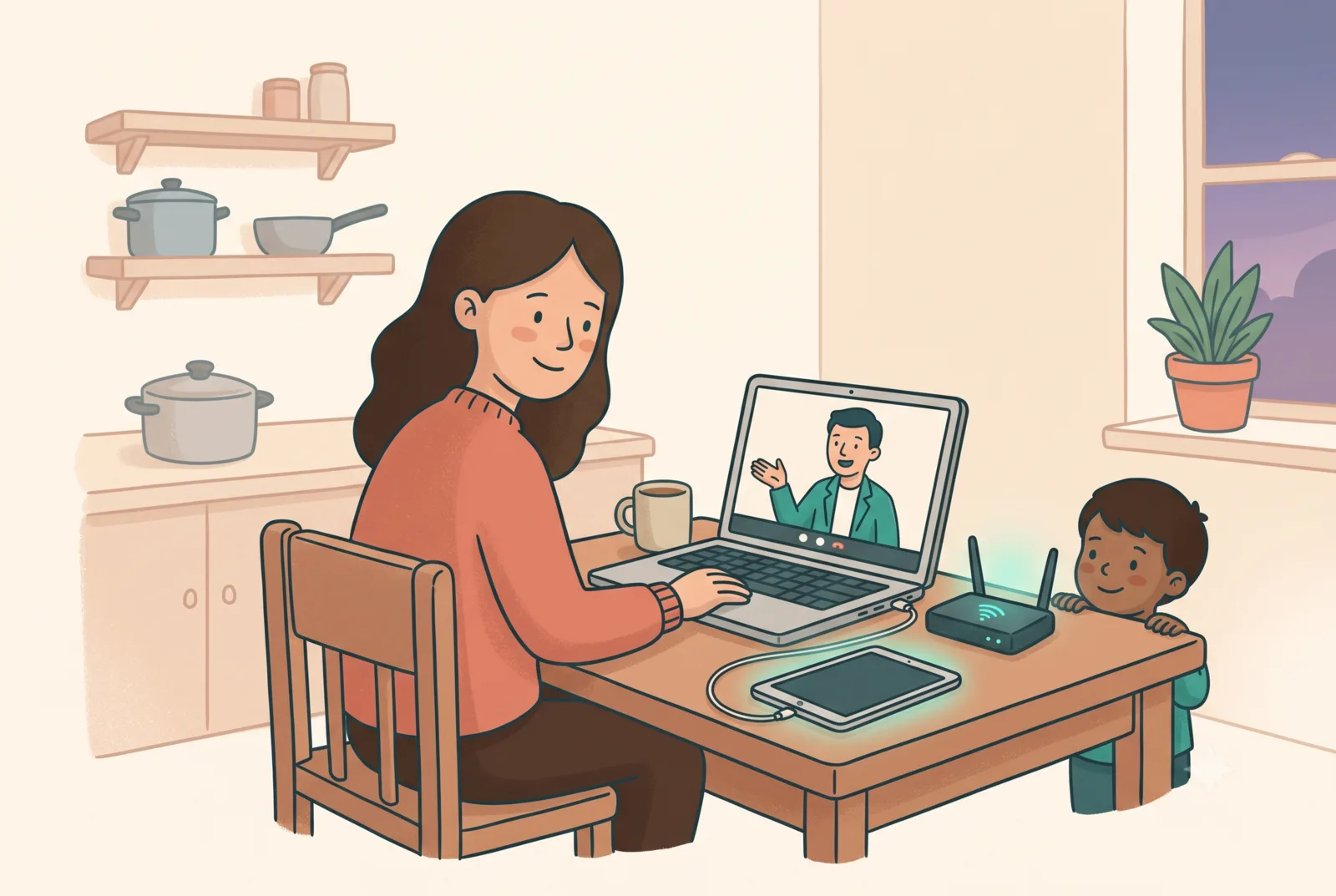
A parent on a video call at their kitchen table while their router and tablet get sorted

Two ways to do it: same five steps, same result

🌍 Remote (anywhere)🏡 In-home (by arrangement)
FormatTwo 90-minute video calls: audit & network first, then devices, spaces and the agreementOne visit, usually 2.5 to 3 hours
How it worksYou share your screen; we direct. You handle the router and every password physicallyWe sit at your kitchen table and go device by device, together
Who it suitsFamilies anywhere in the world, with evenings and time-zone-friendly slotsFamilies who'd rather do it across the kitchen table (currently Ireland; just ask when you enquire)

Pricing is confirmed at enquiry; founding-cohort places are discounted in exchange for honest feedback and a testimonial.

The five steps

  1. Intake. A short questionnaire before we start: your kids' ages, every device in the house (phones, tablets, computers, consoles, smartwatches), your router, and your top three worries.
  2. Audit. We check what you already have against all four layers and find the quick wins. Most homes have more protection available, unused, than they think.
  3. Setup, together. We configure each layer live while you watch and learn: network filtering, family controls on every platform (including PlayStation, Xbox and Switch), per-app permissions, charging stations, and the family media agreement. You type every password; we never see or keep credentials.
  4. Handover. A one-page summary of what changed, where every setting lives, and what to do when something breaks.
  5. Follow-up. A check-in two weeks later, once real life has tested the setup.

What we will and won't do

We will: set up risk-reducing layers, teach you to run them, recommend the best free tool for each job (we're vendor-neutral: we sell setup, not software), and show you how to loosen controls as your kids grow.
We won't: monitor your children on your behalf, keep any passwords, recommend covert surveillance, or promise guaranteed safety. Anyone who promises that is selling fear.

Common questions

Do the tools cost money?

Almost never. The core toolkit (router filtering, Google Family Link, Apple Screen Time, Microsoft Family Safety, console family settings) is free and built into what you already own. If a paid tool genuinely fits your family, we'll say so and explain why, but we earn nothing from recommending it.

My kids are savvier than me. Will this even hold?

Layers hold far better than any single app, and we set them up so workarounds become conversations rather than secrets. The setup includes showing you how each layer backs up the others.

Does remote really work as well as in-person?

Yes: the steps are identical. You do the physical bits (plugging in the router, typing passwords) with us directing on screen. Splitting it over two shorter calls actually suits most families better than one long evening.

What about the PlayStation / Xbox / Switch?

First-class citizens, not afterthoughts. Console family settings manage playtime, spending and the one parents miss: voice chat with strangers. It's often the most impactful part of the whole setup.

Will you need our passwords?

No. You type every credential yourself, always. During remote sessions we ask you to keep credential screens off-camera. Your accounts stay yours; that boundary is written into our agreement.
Ready to get it sorted?

Tell us a little about your family and we'll suggest dates; we handle the time-zone maths.

Not ready yet? Start with the free checklist; it's the same method, self-serve.